
Stream your favorite content on Samsung, LG, Android TV and more. Simple setup, powerful features, beautiful interface.
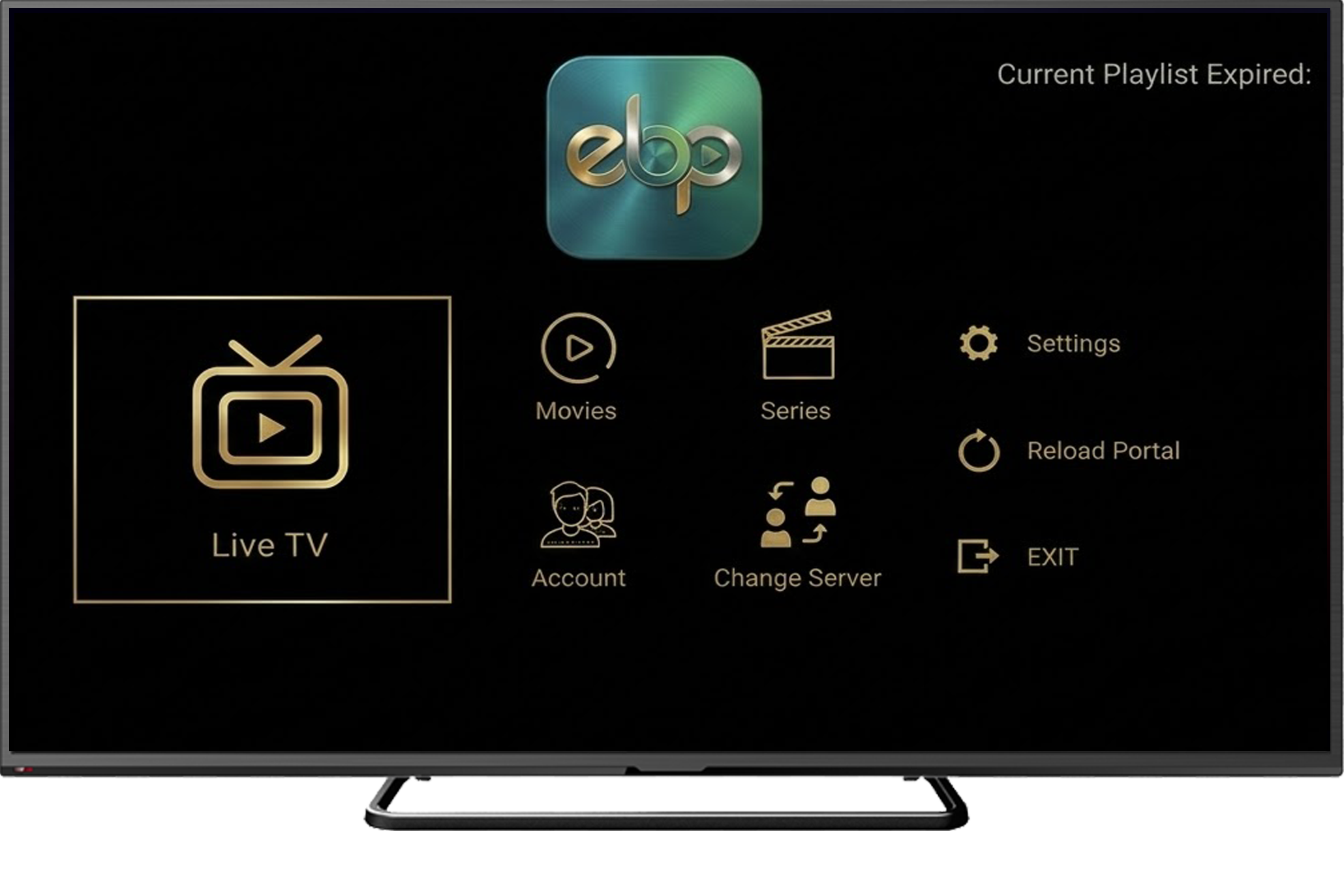
Available on all major platforms. Choose your device and start streaming.


Step-by-step video tutorials for every platform
Everything you need for the best streaming experience
A simple, clean interface designed for the best user experience on any screen size.
Supports all screen resolutions including 4K Ultra HD on Smart TVs, phones, and TV boxes.
Hardware-accelerated playback with optimized buffering for smooth, lag-free streaming.
Select your preferred language for the interface, and switch audio tracks in movies and series.
PIN-protected channels and content categories to keep your family safe.
Full support for M3U playlists and Xtream Codes API with automatic parsing.
Get started in just 4 easy steps

Download and install the app on your Android TV, Samsung TV, LG TV or Amazon Fire TV. A 7-day free trial starts automatically.

Manage your playlists easily through our website. Enter your MAC address and add M3U or Xtream Codes playlists.

After the trial period, activate your device with a license key to unlock full features and extended playlist limits.

Now enjoy your media without any lags and glitches. Stream live TV, movies, and series in stunning quality.
Find answers to common questions about EBPlayer

EBPlayer is a premium IPTV media player application that allows you to stream your own playlists on Smart TVs and mobile devices. We do not provide any content - you use your own M3U or Xtream Codes playlists.
EBPlayer is available on Samsung Smart TV (Tizen), LG Smart TV (WebOS), Android TV, Amazon Fire TV Stick, and Windows PC.
Install the app on your device, note the MAC address shown on screen, then visit our website and enter your MAC address on the "Add Playlist" page. You can add M3U URLs or Xtream Codes credentials.
Yes! Every new device automatically gets a 7-day free trial with full features. After the trial, you can activate with a license key.
We support M3U/M3U8 playlists and Xtream Codes API. Both formats are automatically detected and parsed.
After the trial period, enter your license key on the activation page along with your device MAC address. The license will be bound to your device immediately.
Activate your EBPlayer now and start streaming your favorite content on your Smart TV.
Legal Disclaimer: EBPlayer is a media player application only. We do not provide, sell, or distribute any content, streams, channels, movies, or series. Users are responsible for using their own legal playlists and content sources.